Cali Clear returns at this store cover three situations: a device that is defective, an order damaged in transit, and sealed items you have not opened. In every case the first step is the same, tell us through the contact page with your order number and photos, and wait for our reply before posting anything back.
This page sets out what counts as a defect, which checks to try before reporting, how to photograph a problem, and how replacements and refunds are decided. It is written in plain terms, because a policy you cannot understand is not much of a policy.
How Cali Clear Returns Work, Step by Step
The process for Cali Clear returns is built around one idea: we want to see the problem before anything travels. Sending a device back without talking to us first costs you postage and time, and it can stall the case while we match an unexpected parcel to an order.
Here is the short version. You report the problem with your order number and photos. We review what you sent and may ask a follow up question. We then confirm the outcome, a replacement or a refund, and tell you whether the item needs to come back at all. Often it does not.
Why we ask before you send
THC vapes are age restricted and contain lithium batteries, so posting them casually is not a good idea. Many Cali Clear returns are settled from photos alone, which is faster and safer for everyone.
What Counts as a Defective Device
For Cali Clear returns, a device is treated as defective when it fails through no fault of the user. Typical examples include a device that will not produce vapor after a full charge and a preheat, a body that arrives cracked, oil leaking outside the device on arrival, a button that does not respond, or a dual chamber unit that will not switch between chambers.
An LED that flashes a fault pattern from the very first draw, with the airflow clear and the battery charged, also counts. So does a USB C port that will not accept a cable at all.
What does not count
Cali Clear returns do not cover a device that has been used until it is empty, damage from dropping, heat or water, or simply not liking a flavor. Taste is personal, and once a device has been used it cannot be passed to anyone else. If you are unsure which side a problem falls on, ask; we would rather discuss it than guess.

Quick Checks Before You Report a Fault
A good share of devices reported as dead turn out to be fine. Before you open a Cali Clear returns request, run through these checks:
- Charge through the USB C port for 30 to 60 minutes until the LED stays solid.
- Let a cold device reach room temperature, then preheat. On dual chamber and Select devices, preheat is three presses of the Select button.
- Make sure your fingers are not covering the airflow holes at the bottom.
- On dual chamber units, five presses switches the device on or off, so a device that seems dead may simply be off.
Our guides to a device that is not hitting and to each blinking light pattern go further. If none of it helps, report the fault and mention what you tried.
How to Report a Problem
Reports go through the contact form on the site or the chat button. For Cali Clear returns, the form is usually better, because it lets you attach several photos and keeps the whole case in one thread.
Include these details in your first message:
- Your order number and the name on the order.
- The product name, and the combo for dual chamber devices.
- What happens when you draw or press the button.
- What the LED does while drawing and while charging.
- Which of the quick checks above you have tried.
- Clear photos, described in the next section.
Start Cali Clear returns as soon as you notice a problem. The sooner a case reaches us, the fresher the details are and the simpler it is to resolve. A report sent long after delivery is harder to assess fairly.
Photos That Settle a Case Quickly
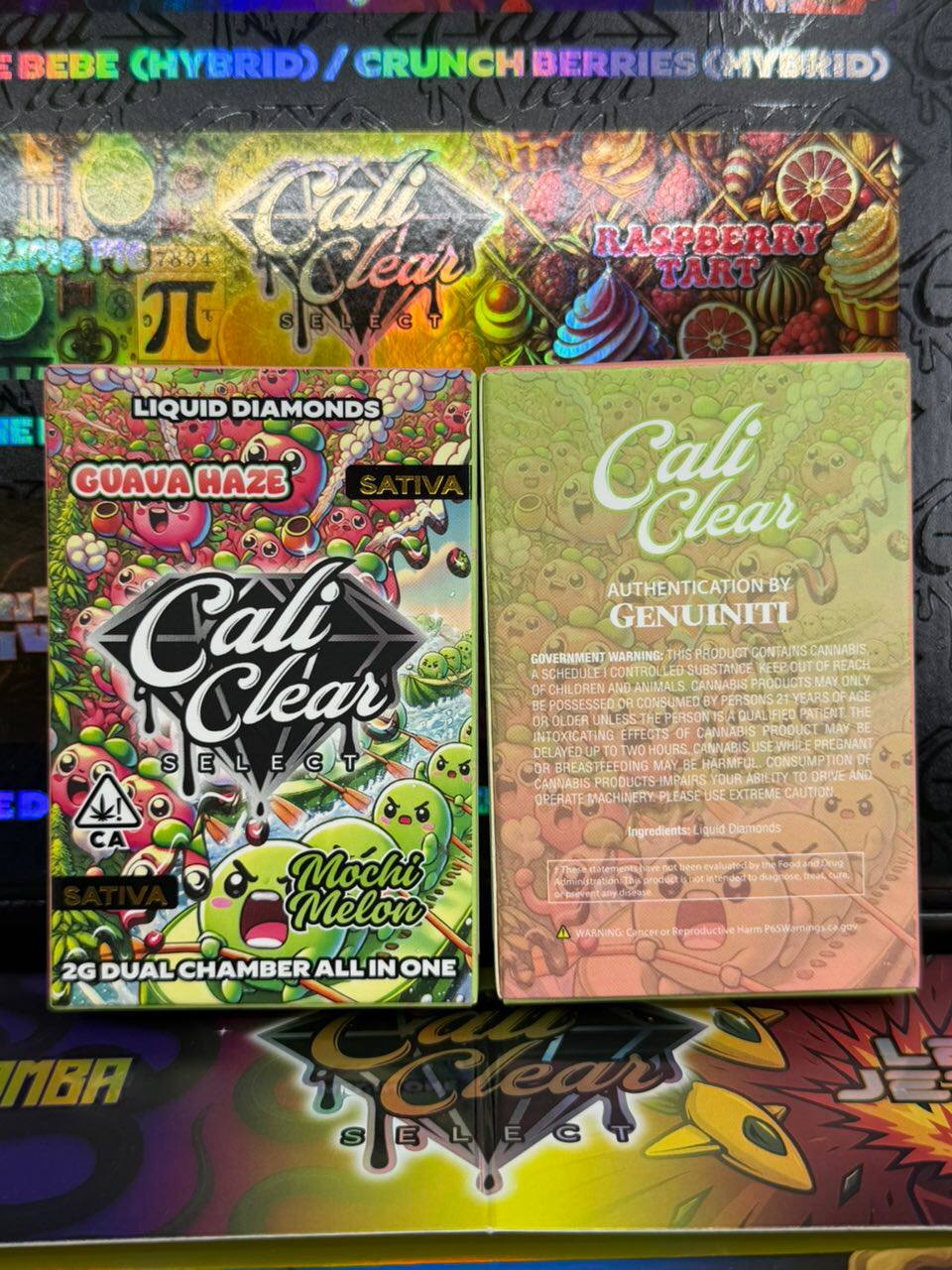
The right photos turn a long Cali Clear returns exchange into a single reply. Photograph the device front and back in good light, the oil window held at an angle, the retail box with its seal, and the LED while the device is charging or being drawn. If there is a crack or a leak, take one close shot and one from further away so we can see where it sits.
A short video is even better for faults that involve the button or the light, because it shows the timing of the blinks. Keep it under a minute so it uploads easily.
Crop out the shipping label if it shows your home address. We can find everything we need from your order number, and keeping personal details out of Cali Clear returns photos is a good habit.
Damage in Transit
Parcels sometimes take a knock between our packing table and your door. If the outer box arrives crushed, torn or wet, photograph it from a few angles before you unpack fully, then photograph the contents as you take them out.
Keep the outer packaging until the case is closed. Transit damage counts toward Cali Clear returns just like a factory fault, and the packaging is part of the evidence. Report it through the contact page with your order number and the photos.
Our shipping policy explains how parcels are packed and tracked, and what to do if a delivery shows as delivered but cannot be found.
Wrong or Missing Items
If a flavor or product in the box does not match your order confirmation, or something is missing, tell us promptly with a photo of everything that arrived laid out next to each other. We check the order record and the packing notes and put it right through the usual Cali Clear returns steps.
For bulk packs, count the contents soon after opening. A shortfall reported early, with a photo, is simple to resolve. A shortfall reported much later, after the pack has been shared out, is far harder for anyone to confirm. Wrong item cases are handled within the normal Cali Clear returns process, and in most of them the incorrect item does not need to come back.
Sealed Items and Changes of Mind
Changed your mind? Cali Clear returns for sealed items work differently. Items that are still sealed in their original retail packaging, never opened or used, may be eligible to come back. Contact us first with your order number and a photo of the sealed items. We confirm whether the return is accepted and explain whether return postage is covered before you send anything.
Opened or used devices cannot be returned for a change of mind. They are consumable, age restricted products, and once a seal is broken we cannot pass them on to another buyer.
If you are unsure which device to buy in the first place, ask before you order. Choosing well is easier than Cali Clear returns, and the flavor guide plus the versions comparison answer most of the questions that lead to changes of mind.
Replacements and Refunds
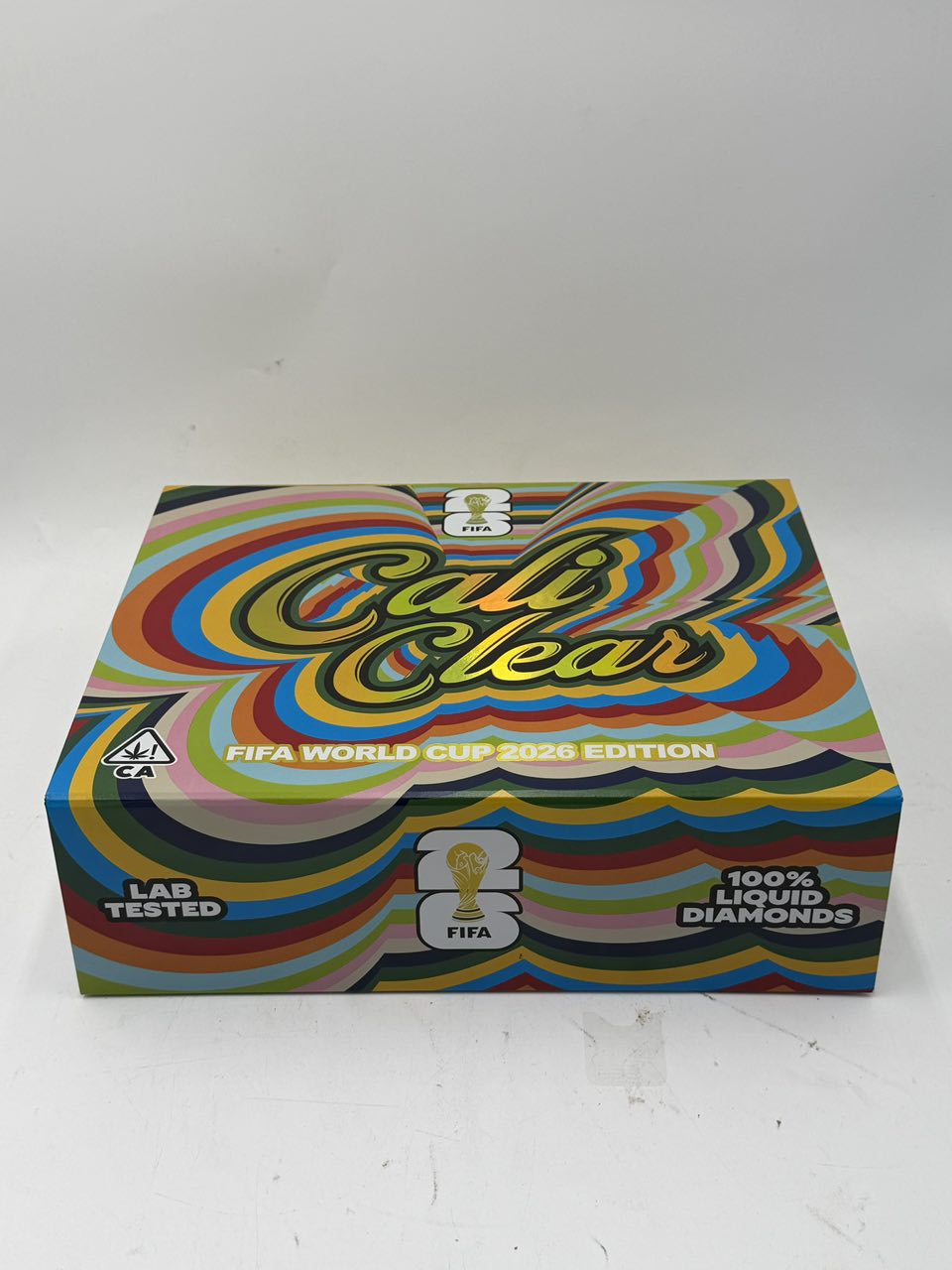
When one of our Cali Clear returns cases is approved, we offer a replacement of the same item where stock allows. If that item is no longer available, we suggest a close alternative or refund the item. You can always choose the refund instead of a substitute you do not want.
Refunds go back to the original payment method. Once we issue one, the time it takes to show in your account depends on your bank or payment provider, not on us, and it varies from provider to provider. If a refund has not appeared after a reasonable wait, contact us and we can confirm when it was sent.
Shipping charges are refunded when the whole order is affected by our error or by transit damage. For partial Cali Clear returns, we explain exactly what is being refunded in the approval message.
Battery Safety When a Device Fails
A device that gets hot, swells, smells of burning or has a cracked body near the battery should be treated with care. Stop using it, unplug it, do not try to charge it again and keep it away from anything flammable. Do not post it anywhere until we have replied with instructions.
These devices run on rechargeable lithium cells, and a damaged cell behaves differently from a healthy one. The overview of lithium ion batteries explains why heat and physical damage matter. Carriers also have rules about sending damaged batteries, which is one more reason most Cali Clear returns for battery faults are settled with photos instead of a parcel.
Bulk Packs and Larger Orders
Bulk orders from the bulk section follow the same Cali Clear returns rules as single devices. Each faulty unit is assessed on its own, so a single defective device in a large pack is replaced or refunded without affecting the rest.
When reporting, list the affected units and photograph them together with their retail boxes. For packs with many flavors, naming each faulty flavor helps us replace like for like. The Party Pack 20 Flavors and the Mega Pack 30 Flavors contain many different flavors, so clear labeling in the report saves a lot of back and forth on Cali Clear returns for larger orders.
If You Think a Device Is Not Genuine
If something about a device worries you, the print, the seal, the way the oil moves or the way the button behaves, tell us with photos. We inspect stock on arrival and again at packing, but we never claim a store can prove what is inside a sealed device, and we take every concern seriously.
Our real or fake checklist explains what to look for. Send your photos through the contact page, and we will review the device honestly and explain what we see. Concerns about authenticity are handled with the same care as any other Cali Clear returns case.
Cali Clear Returns at a Glance
This table sums up each situation and what to send.
| Situation | Usually covered? | What to send |
|---|---|---|
| Device will not work after charge and preheat | Yes | Order number, photos or video of LED behavior |
| Cracked or leaking on arrival | Yes | Close and wide photos of the damage |
| Parcel damaged in transit | Yes | Photos of the outer box and contents |
| Wrong or missing item | Yes | Photo of everything that arrived |
| Sealed, unopened, change of mind | Case by case | Photo of the sealed items |
| Used until empty or flavor not liked | No | Ask us about a better match next time |
Questions not answered here may be in the FAQ, and our terms and conditions set out the full conditions of sale.
Cali clear returns FAQ
How do I start Cali Clear returns for a faulty device?
Send your order number, the product name, a description of the fault and clear photos through the contact form on the Contact page. Wait for our reply before posting anything, because many cases are settled from photos alone.
What counts as a defective Cali Clear device?
A device that will not work after a full charge and a preheat, arrives cracked or leaking, has an unresponsive button, a port that will not take a cable, or a dual chamber that will not switch.
Can I return a device I have already used?
Only if it is defective. Under our Cali Clear returns policy, a used device cannot be returned for a change of mind or because a flavor was not to your taste, since opened consumable products cannot be passed on to another buyer.
How long do refunds take to appear?
Refunds from approved Cali Clear returns go back to the original payment method. How quickly they show depends on your bank or payment provider. If one has not appeared after a reasonable wait, contact us and we will confirm when it was sent.
Do I need to send the device back?
Often not. Many Cali Clear returns are settled from photos. If we do need the item back, we tell you how to send it safely, especially for devices with battery damage.
What if my parcel arrived damaged?
Photograph the outer box and the contents before unpacking fully, keep the packaging and report it through the Contact page with your order number. Transit damage is handled like any other defect.
Can I return sealed items I no longer want?
Sealed, unopened items in their original packaging may be accepted as Cali Clear returns. Contact us first with a photo; we confirm whether the return is accepted and whether postage is covered before you send anything.