A Cali Clear not hitting is almost always caused by one of four things: a flat battery, oil that is too cold and thick to reach the coil, blocked airflow, or on dual chamber models a button mode you did not mean to select. Charge it for 30 to 60 minutes until the LED stays solid, warm it in your hand, take two or three gentle puffs, and most devices start producing vapor again.
If that does not do it, the nine fixes below run in the order our team uses when a buyer messages us about a Cali Clear not hitting. Start at fix one, test after each step, and stop as soon as the clouds come back.
Cali Clear Not Hitting: Match the Symptom First
Before you change anything, watch what happens when you pull. With a Cali Clear not hitting, the symptom points to the fix far faster than guessing does.
| What you notice | Likely cause | Start with |
|---|---|---|
| No light, no vapor | Flat battery, or device switched off (dual chamber) | Fix 1, then Fix 7 |
| Light comes on, little or no vapor | Cold, thick oil or an empty tank | Fix 2, Fix 6, Fix 9 |
| Light flashes while you draw | Low battery or a protection cutoff | Fix 1, Fix 4 |
| Pull feels tight, like sucking through a straw | Blocked airflow or condensation | Fix 3, Fix 8 |
| Vapor tastes burnt or harsh | Oil nearly gone, or drawing too hard | Fix 4, Fix 9 |
| Only one flavor works on a dual device | Wrong chamber or mode selected | Fix 7 |
If your light is doing something unusual, our guide to what each LED pattern means goes deeper on the flashing side of the problem.
Fix 1: Give the Battery a Full Charge
The battery is the first suspect in any Cali Clear not hitting complaint, even when the device feels like it should still have power. Every Cali Clear disposable is rechargeable through a USB C port, and a low cell often supplies just enough to light the LED but not enough to heat the coil properly.
- Plug in a USB C cable connected to a standard wall adapter or a computer port.
- Leave it for 30 to 60 minutes.
- Unplug once the LED stays solid rather than pulsing.
- Take a slow test pull.
Our step by step charging guide covers cables, adapters and how to tell when the charge is complete. If a full charge changes nothing and your Cali Clear not hitting problem continues, move to fix two.

Fix 2: Warm the Oil and Preheat
Liquid diamonds oil is dense by nature. After a night in a cold car or a chilly room it moves slowly, so the coil fires with very little oil touching it. That shows up as a Cali Clear not hitting even though the battery is fine.
Hold the device in a closed hand for a few minutes. On dual chamber and Select devices, press the Select button 3 times to start the preheat. On single flavor devices without a preheat mode, take two or three short, gentle puffs without inhaling deeply, then try a normal draw. In winter, cold oil is behind more cases of a Cali Clear not hitting than any other cause we deal with.
The full routine, including mistakes to avoid, is in our guide on how to preheat a Cali Clear.
Fix 3: Clear the Airflow Holes
Cali Clear devices are draw activated, which means a sensor has to feel air moving before the coil switches on. The airflow holes sit at the bottom of the device, and the most common way to block them is simply holding the pen with a finger or thumb across the base.
Change your grip so the bottom is open, then pull again. Also check for pocket lint or dust in the holes; a gentle tap against your palm usually shakes it loose. A blocked base explains a Cali Clear not hitting even with a full battery, because the sensor never feels the air it needs to wake the coil.
Never poke a pin or toothpick into the holes. You can damage the sensor and turn a minor Cali Clear not hitting moment into a dead device.
Fix 4: Change the Way You Draw
Hard, fast pulls feel natural to anyone coming from cigarettes, but they work against a thick oil device. A violent draw can flood the coil, trip a protection cutoff, or pull air past the oil rather than through it.
The draw that works
Breathe out first. Seal your lips around the mouthpiece, then pull slowly and steadily, like sipping a thick milkshake through a straw. Keep each pull moderate in length instead of chasing one giant cloud.
If the light flashes mid draw, stop, wait a moment, and try a shorter pull. Plenty of buyers who report a Cali Clear not hitting are actually overdrawing it, and a softer technique fixes the problem in one try.
Fix 5: Think About Where the Device Has Been
Temperature affects both the oil and the battery. Cold thickens the oil and also reduces how much power a lithium cell can deliver at once. Heat does the opposite: it thins the oil, which can lead to leaks and a gurgling pull.
A device left on a dashboard in summer or in a jacket on a winter porch can behave strangely for a while. Let it return to room temperature naturally. Do not use a hair dryer, a heater or a microwave to speed things up.
Once it has settled, retest. If your Cali Clear not hitting problem appears every time it gets cold, preheating before each session becomes part of the routine.
Fix 6: Help Thick Oil Reach the Coil
Sometimes the oil is simply sitting in the wrong place, held against the top of the tank after the pen spent hours lying flat or upside down in a bag.
Stand the device upright, mouthpiece up, for several minutes, and tilt it slowly so the oil can move back over the coil. Then warm it in your hand and take a gentle test pull. This is the fix most likely to rescue a Cali Clear not hitting straight after a trip in a backpack.
This step matters most with the larger 2G devices. A pen like Bubba Kush 2G liquid diamonds ($27, on sale at $22.50) holds 2000 mg of dense oil, so storing it upright pays off more than it would with a thin, low capacity pen.
Fix 7: Dual Chamber Devices, Check the Button
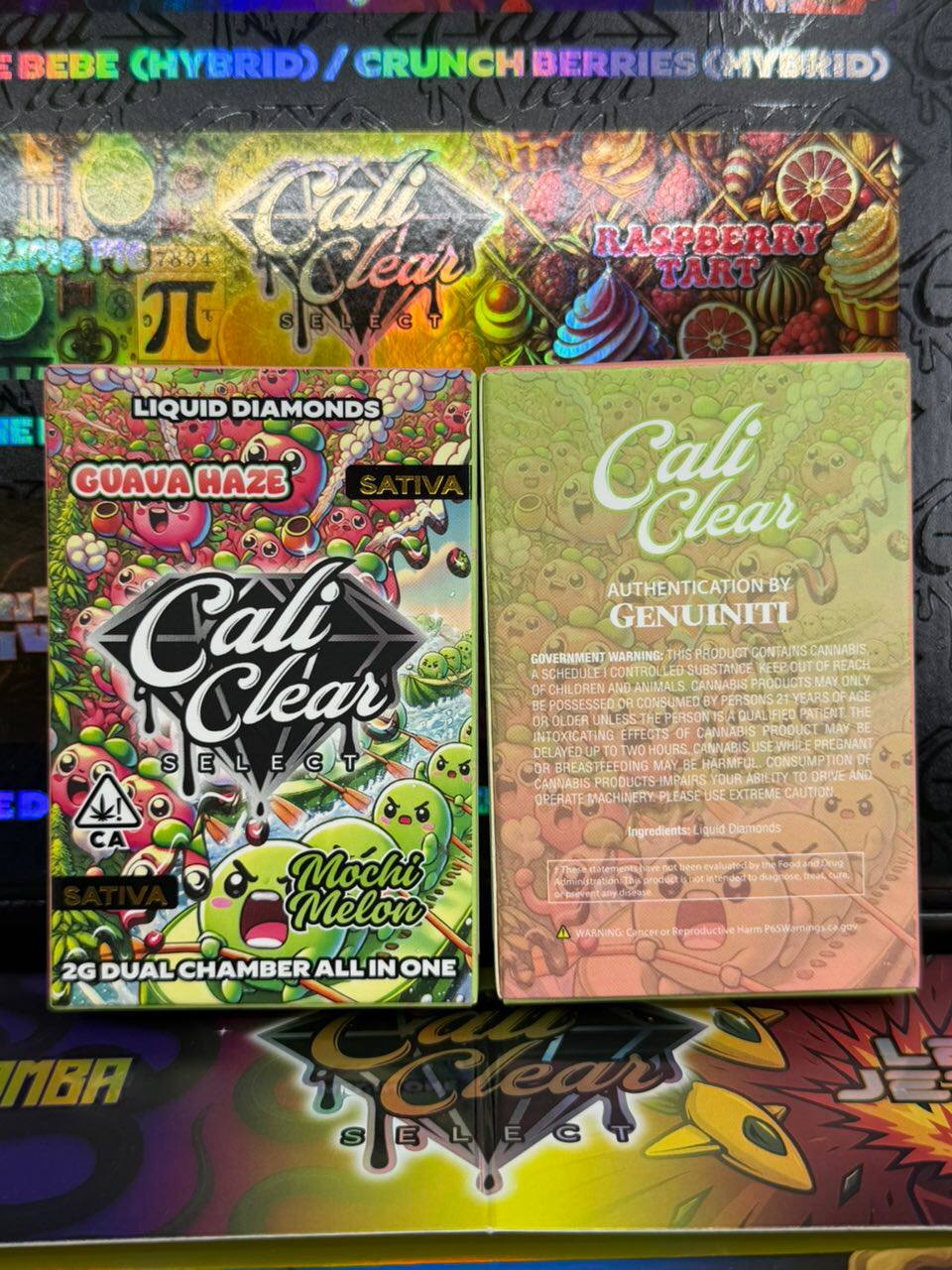
A dual chamber Cali Clear not hitting is very often a mode issue rather than a fault. These devices hold two separate 1G chambers, each a different strain, and the Select button controls which one fires.
- Power: press Select 5 times to turn the device on or off. If it was switched off in your pocket, nothing will happen when you pull.
- Switch strain: press and hold Select to move to the other chamber. If one side is empty, switching brings vapor back.
- Dual mode: press 2 times to draw from both chambers together.
- Preheat: press 3 times.
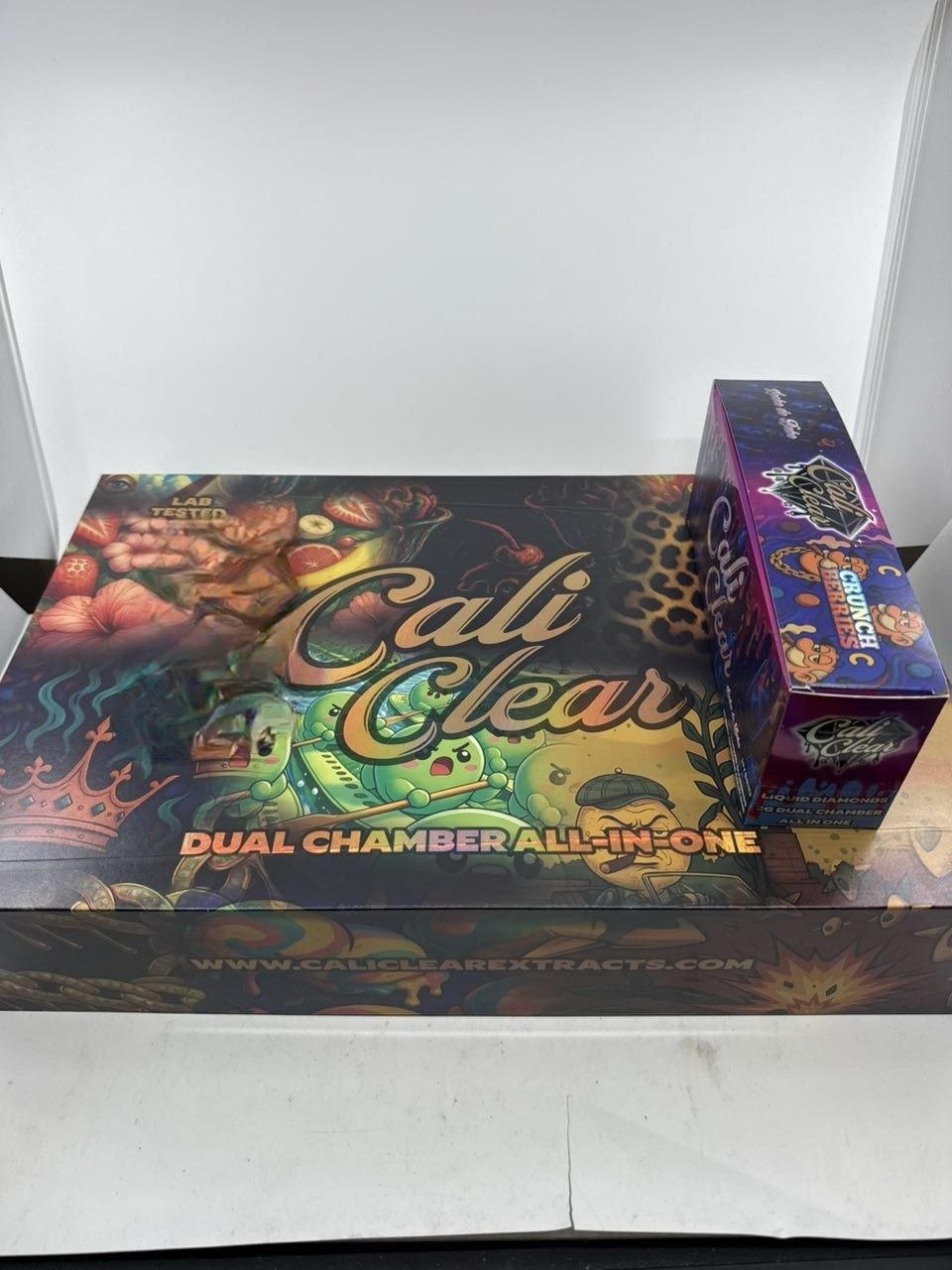
This applies to the Dual Chamber 2G liquid diamonds combos ($27, on sale at $23) and the Select Dual Chamber 5 Pack ($90, regular $100). Checking the mode first saves a lot of confusion over a Cali Clear not hitting on one side only. Browse every combo in our dual chamber collection.
Fix 8: Clear Condensation and Check the Port
Over a long session, vapor cools inside the mouthpiece and leaves a little moisture or oil behind. Enough of it can make the draw feel tight or gurgly.
Wrap a paper towel around the mouthpiece and blow gently through it, never pull, to push condensation out. Wipe the mouthpiece tip with a dry tissue.
While you are at it, look inside the USB C port. Lint packed into the port can stop the cable seating fully, so the device never actually charges, which leaves you back at a Cali Clear not hitting no matter how long it was plugged in. A soft, dry brush clears it.
Fix 9: Work Out Whether It Is Empty or Dead
Every disposable reaches the end eventually. Most are commonly quoted at 300 to 500 puffs, though real numbers vary a lot with how long you draw. Two outcomes look similar but have different causes.
Signs it is empty
The LED lights when you pull, the device charges normally, yet vapor is thin and the taste turns harsh or burnt. Stop at that point; a dry coil only gets worse. A Cali Clear not hitting with a burnt edge after many sessions has usually just run out of oil.
Signs it is dead
No light at all after a full charge with a cable you know works, and no reaction to any button on dual devices. That points to a battery or electronics fault. Our puff count guide helps you judge whether a device should still have oil left.
When a Cali Clear Not Hitting Means a Faulty Device
If you have worked through every fix and a brand new Cali Clear not hitting still produces nothing, it may be defective. Take a clear photo of the device and its box, note what the light does when you pull, and reach out through our contact page. Our returns policy explains how defective devices are handled.
Please do not open the device, add oil, or try to rebuild it. Sealed disposables are designed to stay sealed, and unregulated tampering is part of the history behind the CDC lung injury outbreak.
Also check the device itself. Copies tend to fail early and in exactly this way, so a quick read of our real or fake checks is worthwhile if you bought somewhere unfamiliar.
Habits That Stop It Happening Again
Most repeat cases of a Cali Clear not hitting come down to the same few habits, and they are easy to change.
- Recharge when the light starts flashing during pulls, not after the device is completely flat.
- Store it upright and at room temperature.
- Draw slowly and keep pulls moderate.
- On dual chamber devices, learn the five press power sequence so you know whether it is on.
- Keep the base and the port free of lint.
Newer hardware also helps. The Cali Clear V6 at $23 adds a redesigned airflow and leak resistant build to the 2G format, and it sits alongside every single flavor option in our 2G disposables range.
Cali clear not hitting FAQ
Why is my Cali Clear not hitting but the light is on?
A light without vapor usually means the oil is too cold or thick to reach the coil, or the tank is close to empty. Warm the device in your hand, store it upright for a few minutes, preheat or take gentle puffs, then pull slowly.
Why is my Cali Clear not hitting after charging?
Check that the cable actually seated in the USB C port, since lint can stop a real charge. If it did charge until the LED stayed solid, move on to cold oil, blocked airflow at the base, and on dual chamber models, whether the device is switched on.
How do I unclog a Cali Clear?
Most cases of a Cali Clear not hitting that feel clogged are condensation or cold oil. Blow gently through the mouthpiece with a paper towel wrapped around it to clear condensation, warm the device so thick oil loosens, and stand it upright. Never push pins into the airflow holes or the mouthpiece, as that can damage the sensor.
How do I turn on a Cali Clear dual chamber?
Press the Select button 5 times. The same sequence turns it off. Once it is on, press and hold Select to switch strains, press 2 times for dual mode, and press 3 times to preheat thick oil before a pull.
How can I tell if my Cali Clear is empty or broken?
Before you decide a Cali Clear not hitting is broken, charge it fully. If it then charges and lights up but gives thin, burnt tasting vapor, it is most likely empty. If it shows no light at all after a full charge with a working cable, the battery or electronics have probably failed.
Can cold weather leave a Cali Clear not hitting?
Yes. Cold thickens liquid diamonds oil and reduces how much power the battery can deliver, so pulls go weak. Let the device return to room temperature, warm it in your hand and preheat before drawing. Avoid direct heat sources.
Can I return a Cali Clear not hitting out of the box?
Our returns page explains how we handle devices that arrive defective. Work through charging, preheating and airflow first, since most quiet devices recover. If it still fails, contact us with photos of the device and box and a short note on what the light does.
Why does my Cali Clear taste burnt?
A burnt taste usually means the coil is running with little oil around it, either because the device is nearly empty or because you are drawing too hard and long. Stop, let it rest, and try shorter, gentler pulls.