To unclog a Cali Clear, warm the device in your hand for a minute, take two or three very short priming pulls with the airflow uncovered, and if you have a dual chamber model, press the Select button three times to preheat. Most clogs are thick oil sitting near the mouthpiece, and gentle warmth clears them in minutes.
A clogged device feels tight, gurgles or gives almost no vapor even though the tank looks full. This guide shows how to unclog a Cali Clear without damaging it: how to tell a clog from a dead battery, seven safe fixes in the order we suggest them, what never to do, and how to stop it happening again. We answer this question in chat several times a week, and nearly every device comes back to life.
Is It Really a Clog?
Before you try to unclog a Cali Clear, make sure a clog is the problem. A dead battery and a clog can feel similar, but they behave differently.
| Symptom | Likely clog | Likely battery |
|---|---|---|
| Light when you pull | Yes, light comes on | No light, or it flashes |
| Draw feels | Tight, like a blocked straw | Normal airflow, no vapor |
| Sound | Gurgling or crackle | Silent |
| Oil window | Plenty of oil | Any level |
If the light does not respond at all, charge it first with USB C for 30 to 60 minutes. Our charging guide explains the light patterns.
Fix 1: Warm the Device
Cold oil thickens and creeps into the channel above the coil. Hold the device in a closed hand for one to two minutes, or keep it in an inside pocket for a while. Gentle body heat is the safest way to unclog a Cali Clear and solves most cases on its own.
Never use a lighter, hair dryer on high, hot water or a microwave. Direct heat can damage the battery and seals.

Fix 2: Priming Pulls
After warming, take two or three very short, light pulls of about a second each, without inhaling deeply. These draw a little oil onto the coil and loosen the blockage without flooding it. Then rest for a few seconds and try a normal short pull.
Fix 3: Preheat on Dual Chamber Models
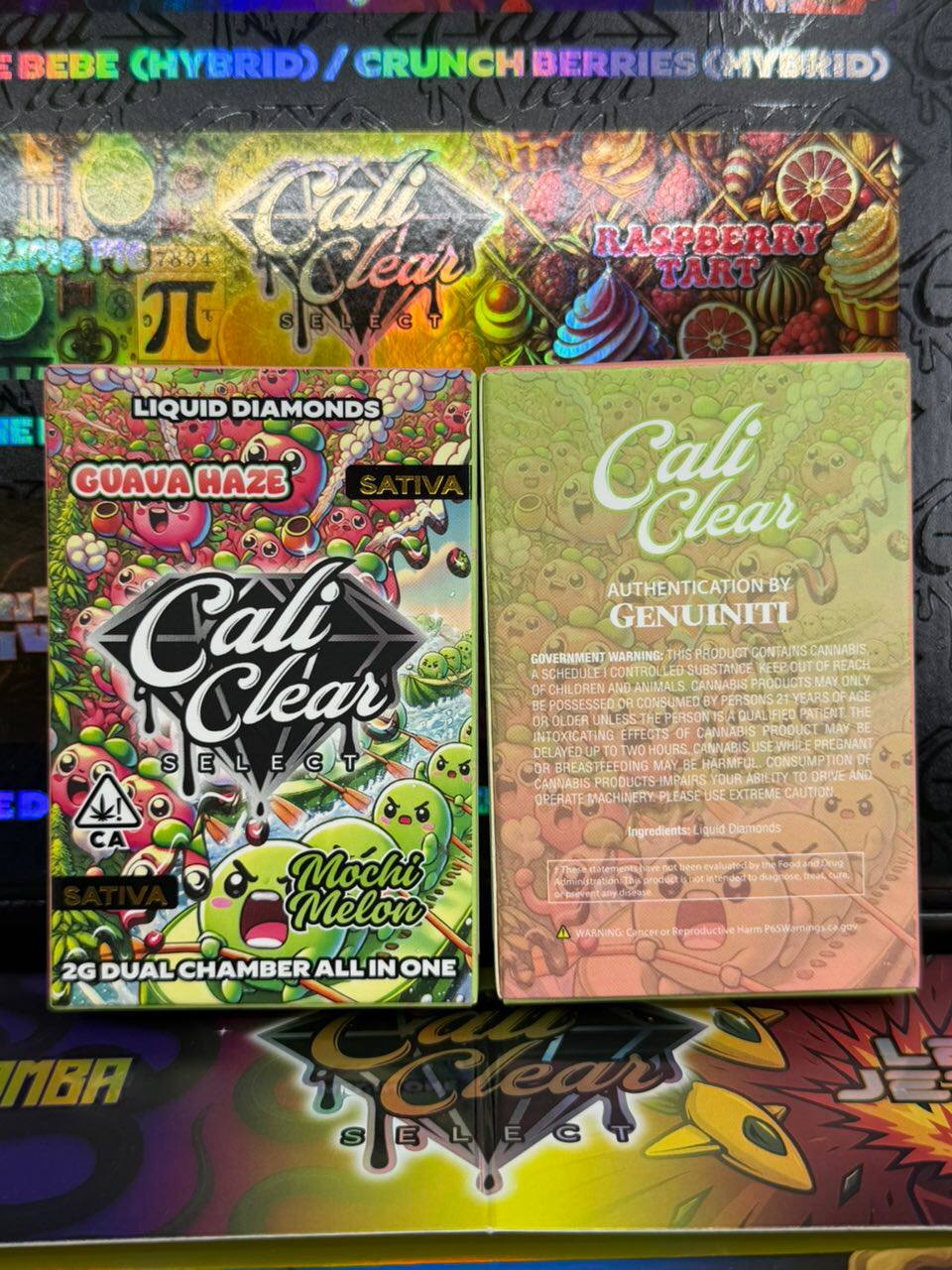
If you own a dual chamber device like the Cali Clear Duo, press the Select button three times to preheat. It gently warms the oil and is the easiest way to unclog a Cali Clear dual chamber. Wait for the cycle to finish, then take a short pull. Our preheat guide covers both single and dual devices.
Fix 4: Clear the Airflow
Check the airflow holes at the bottom. Lint, dust or a fingertip covering them makes the draw feel blocked. Tap the device gently on its side, blow lightly across the bottom holes and make sure nothing is stuck there. Hold the device by its sides while you pull.
Fix 5: The Gentle Reverse Puff
With the mouthpiece to your lips, blow very gently back into the device for a second, then try a short pull. This can push a small bead of oil out of the channel. Keep it soft; a hard blow can push oil where it should not go.
Fix 6: Stand It Upright and Wait
Sometimes the simplest way to unclog a Cali Clear is patience. Stand it upright in a warm room for 15 to 30 minutes so oil drains back toward the tank and away from the mouthpiece. This works especially well after a device has been carried on its side all day.
Fix 7: Short Pulls With Rest
Once the draw opens up, keep the next few pulls short with pauses between them. Long pulls right after a clog can pull too much oil onto the coil and cause the same blockage again.
What Not to Do
- Do not poke a pin, toothpick or paperclip into the mouthpiece. It can scratch the seal or push debris deeper.
- Do not apply direct heat with a lighter, stove, microwave or hot water.
- Do not pry the device open. It contains a lithium ion battery; see our guide on opening for why.
- Do not pull hard repeatedly. That floods the coil and can taste burnt.
Why Clogs Happen
Liquid diamonds oil is rich and thick. When a device cools after use, a little oil settles in the channel above the coil and hardens slightly. Cold weather, long gaps between sessions and carrying the device on its side all make this more likely. It is a property of thick oil, not a sign of a bad device.
Clogs in Cold Weather
Winter is clog season. Keep the device in an inner pocket rather than a bag or car, and warm it before each session. If you regularly need to unclog a Cali Clear in winter, building a quick warming habit removes most of the problem.
Clogs vs a Burnt Coil
A burnt taste after a clog usually means the coil ran dry or overheated during hard pulls. A clog fix restores airflow, but it cannot repair a burnt coil. If every pull tastes burnt after the draw opens up, the device may be near empty or damaged. Our not hitting guide helps separate these issues.
Which Devices Clog Most
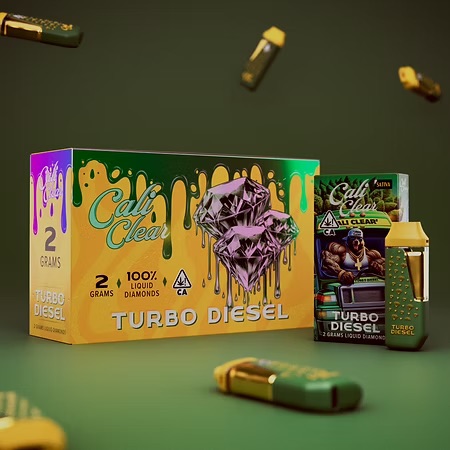
Any device with thick oil can clog. In practice we hear about it most with single flavor 2G devices carried loose in pockets, and with heavier, earthier flavors such as Turbo Diesel or Ghost Train that people tend to use in short evening sessions after long gaps. The fix is the same for all of them.
Preventing the Next Clog
- Store the device upright when you are not using it.
- Keep it warm in cold weather.
- Take short pulls rather than long ones.
- Rest a second between pulls in the same session.
- Keep the airflow holes clean and uncovered.
Following these steps means you rarely need to unclog a Cali Clear at all.
When to Give Up and Contact the Seller
If you have warmed, primed, preheated and cleared the airflow and the device still will not draw while the tank is full and the battery charged, it may be defective. Photograph it and contact the seller. Our returns page explains how we handle faulty devices.
A Note on Safety
Clogs are a hardware nuisance, not a safety issue, but a device that leaks oil, tastes chemical or has a cracked shell should not be used. Unregulated THC vapes were linked to serious lung injuries by the CDC in 2019. When something seems wrong beyond a simple blockage, stop.
Quick Recap
To unclog a Cali Clear: warm it, take a few very short priming pulls, use preheat on dual chamber models, clear the airflow, stand it upright and wait if needed, then keep pulls short. Skip pins, flames and prying. Most clogs clear in minutes, and the habits above stop them coming back. Browse the lineup if your device is finally empty.
How to Unclog a Cali Clear by Device Line
The method is the same everywhere, but small differences help. To unclog a Cali Clear single flavor 2G device, rely on warmth and priming pulls, because there is no preheat button. To unclog a Cali Clear V6, follow the same steps; its redesigned airflow tends to clear quickly once the oil warms. To unclog a Cali Clear dual chamber, preheat first with three presses, then check that you are on the chamber you meant to use, since one side can clog while the other works fine. The 1G live resin and all in one pods hold less oil, so a gentle warm and a single priming pull is usually enough.
A Routine You Can Repeat
- Check the light responds when you pull. If not, charge first.
- Warm the device in your hand for one to two minutes.
- Clear and uncover the bottom airflow holes.
- Take two or three one second priming pulls without inhaling deeply.
- Preheat if you have a dual chamber.
- Rest for ten seconds, then take a normal short pull.
- If still tight, stand it upright in a warm room for 20 minutes and repeat.
Most people who follow this list unclog a Cali Clear on the first or second pass. Keep it handy if you live somewhere cold.
How Long It Takes
A mild clog usually clears within two or three minutes of warming and priming. A stubborn one after a night in a cold car may need the 20 minute rest. If it has not cleared after two full rounds of the routine, a clog is probably not the real problem; look at the battery or contact the seller instead of trying harder to unclog a Cali Clear that may simply be faulty.
Mistakes People Make
The most common mistake when people try to unclog a Cali Clear is pulling harder and longer, which floods the coil and makes the blockage worse. The second is reaching for heat that is far too strong. The third is giving up too early and throwing away a device that only needed warmth and patience. Slow, gentle and warm is the rule.
What a Clog Tells You About Storage
Frequent clogs are a hint about where and how a device is kept. Devices that live loose in a bag, on their side, in a cool car or in a back pocket clog more often than devices kept upright in an inside pocket. If you find yourself needing to unclog a Cali Clear every day, change where you keep it before you change anything else.
Questions We Get About Clogs
People often ask whether a clog means the oil is low quality. It does not; thick oil is a feature of liquid diamonds, and thicker oil clogs more easily than thin distillate. Others ask whether to keep pulling until it clears. Short, spaced pulls work; long repeated pulls do not. And many ask whether to unclog a Cali Clear by blowing hard into it. A very gentle reverse puff can help, but a hard blow can push oil toward the battery side, so keep it soft.
Related Fixes Worth Bookmarking
Clogs rarely arrive alone. If your device also blinks, read the blinking lights guide; if it simply will not fire, the not hitting checklist covers battery and sensor causes. For dual chamber owners, the dual chamber guide explains how switching chambers can make one side seem blocked when it is just inactive. Between them, these pages answer almost every hardware question we receive.
Unclog a cali clear FAQ
How do you unclog a Cali Clear?
Warm it in your hand for a minute or two, take two or three very short priming pulls with the airflow uncovered, and use the three press preheat on dual chamber models. Most clogs clear within a few minutes.
Why is my Cali Clear clogged?
Thick liquid diamonds oil settles and stiffens in the channel above the coil when the device cools, especially in cold weather or after carrying it on its side. It is common and usually easy to fix.
Can I use a pin to unclog a Cali Clear?
No. Poking a pin or toothpick into the mouthpiece can damage the seal or push debris deeper. Warming and priming pulls are safer and usually work better.
Is a clogged Cali Clear broken?
Usually not. A clog is a temporary blockage from thick oil. If the light comes on when you pull and the tank looks full, a clog is likely and gentle warming normally fixes it.
How do I stop my Cali Clear from clogging?
Store it upright, keep it warm in cold weather, take short pulls with pauses, and keep the airflow holes clean and uncovered.
Does preheat help a clogged Cali Clear?
Yes, on dual chamber models. Press the Select button three times to warm the oil, then take a short pull. Single flavor devices have no preheat button, so warm them by hand instead.
What if nothing unclogs it?
If the battery is charged, the tank is full and the draw still will not open after warming and priming, the device may be faulty. Photograph it and contact the seller.