Cali Clear dual chamber how to use, in one line: press the Select button 5 times to turn the device on, press and hold Select to switch between the two strains, press it 2 times for dual mode and 3 times to preheat. Press 5 times again to switch it off, and keep your fingers clear of the airflow holes on the bottom while you draw.
Those five sequences are the whole control scheme for the Cali Clear dual chamber. How to use each one well is the detail our team explains every week on the packing floor and in support chats: what each mode is for, how to pair the two strains you bought, and what to try when the switch seems stuck.
What Sets a Dual Chamber Apart
A Cali Clear Dual Chamber is one 2G device holding two separate 1G chambers. Each chamber is filled with a different strain, and the two are kept apart so the flavors never mix inside the device. You decide which one fires, or whether both fire together.
That is the big difference from a single flavor V6, which simply fires when you draw. On a dual chamber, the Select button is a real control, and that is why so many people look up Cali Clear dual chamber how to use instructions the day their order lands.
Everything else will feel familiar. It arrives pre filled and pre charged, heats oil on a ceramic coil, recharges through USB C and has an LED indicator, so most of the Cali Clear dual chamber how to use learning curve is the button.
Cali Clear Dual Chamber: How to Use It Out of the Box
Follow these Cali Clear dual chamber how to use steps the first time. They take under a minute and they prevent the most common confusion we hear about.
- Find the Select button and the airflow holes. The button sits on the body; the airflow holes sit on the bottom. Hold the device so your palm does not cover those holes.
- Power on. Press Select 5 times in a quick, even rhythm. Watch for the LED to respond.
- Take a test pull. Draw slowly for two or three seconds. Note which flavor you taste so you know which chamber is active.
- Switch if you want the other strain. Press and hold Select, release, then take another small test pull to confirm the change.
- Try dual mode later. Press Select 2 times to fire both chambers at once.
- Power off before pocketing it. Press Select 5 times again.
Once these steps feel natural, the Cali Clear dual chamber how to use basics are done. Everything below refines them.
Cali Clear Dual Chamber: How to Use the Strain Switch
Press and hold Select to move from one chamber to the other. There is no need to count presses here; it is a single long hold, which is what keeps it separate from the 2, 3 and 5 press sequences.
The quickest way to confirm the switch is your palate, not the light. Take a short sip of a draw and you will know at once whether you are on the citrus side or the dessert side of your combo.
Cali Clear dual chamber how to use the switch cleanly
Release the button fully before you draw. Drawing while still holding Select is the habit behind most “it will not switch” messages we receive. Give it a beat, then pull.
Dual Mode on the Cali Clear Dual Chamber: How to Use Both Sides
Press Select 2 times to enter dual mode. Both chambers fire together, so the two strains meet in the same draw while staying separate in storage.
Dual mode is the fun part of the Cali Clear dual chamber. How to use it well comes down to pairing: a fruit chamber with a cream chamber can taste like a smoothie, while two gas strains stack into something heavier. If one side tastes muddy, step back to single mode for a while.
Keep in mind that dual mode draws on both chambers at the same time, so both sides run down together. A Cali Clear dual chamber how to use tip from our team: if you want one strain to last longer, save dual mode for occasional pulls.
Preheating With Three Presses
Press Select 3 times to preheat. A short warm up loosens thick oil so it reaches the ceramic coil evenly, which helps on cold mornings or after the device has sat unused in a drawer. It is the most overlooked step in Cali Clear dual chamber how to use advice.
Preheat when the first pull feels weak or tight, not before every single pull. Our guide on how to preheat a Cali Clear covers single flavor devices too, which work differently because they have no Select button.
Cali Clear dual chamber how to use preheat with dual mode
Choose your chamber or dual mode first, then preheat, then draw. Doing it in that order means the warm up goes to the oil you are actually about to taste.

Powering Off and Carrying It
Press Select 5 times to switch the device off. It is the same sequence that turned it on, easy to remember and easy to do by feel. No Cali Clear dual chamber how to use routine is complete without it.
Turning it off matters more on a dual chamber than on a draw activated single flavor device, because a button in a pocket can get pressed by accident. A powered down device in a bag will not fire if something presses against the mouthpiece. Store it upright, away from heat, with nothing blocking the airflow holes.
Pairing Ideas From the Combos We Carry
The best part of any Cali Clear dual chamber how to use session is the combo itself. These pairings come straight from the listings we stock, with strain labels exactly as printed on them.
Liquid Diamonds combos
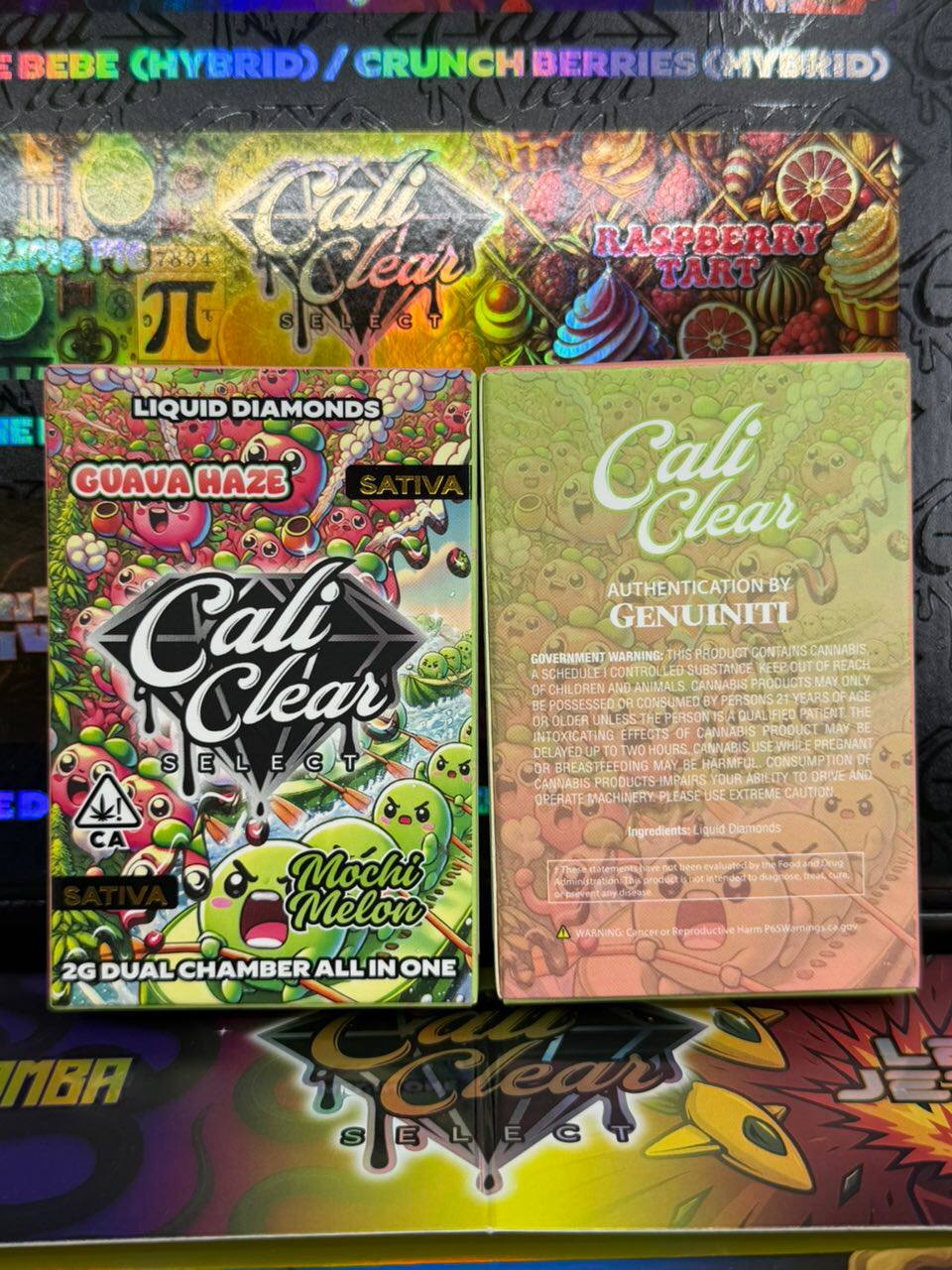
The Dual Chamber 2G Liquid Diamonds combos include Guava Haze with Mochi Melon, Key Lime Pie with Raspberry Tart, Black Mamba with Lemon Jet Fuel, Pineapple Express with Mango Dream and Grape Glacier with Watermelon Chill. Key Lime Pie and Raspberry Tart is the dessert pick; Black Mamba and Lemon Jet Fuel suits people who like a gassy, citrus edge.
V2 combos with strain labels
The Dual Chamber V2 combos list a label for each side. Purple Haze (Sativa) with Dutch Treat (Hybrid) and Pink Lemonade (Indica) with Blueberry Jam (Hybrid) mix types. Tigers Blood with Wedding Cake are both indica, and Sour Patch with Zkittles are both sativa, for anyone who wants the same type on both sides.
Cali Clear dual chamber how to use pairings by time of day
A mixed type combo gives you a choice inside one device. Many people reach for the sativa side in the afternoon and switch to the indica side in the evening, then try dual mode on a slow weekend. Effects are personal, so treat this as a habit people describe rather than a promise.
Unsure what those labels mean? Our guide to indica, sativa and hybrid flavors explains them.
Which Dual Chamber Option to Buy
All of these share the same button scheme, so the Cali Clear dual chamber how to use steps above apply to every one. The difference is the combo list, the pack size and the price.
| Product | What you get | Price | Best for |
|---|---|---|---|
| Dual Chamber Liquid Diamonds combos | One 2G device, two 1G liquid diamonds chambers | $23 sale, $27 regular | Trying one combo |
| Dual Chamber V2 combos | One 2G device, combos with strain labels per side | $25 | Choosing by indica, sativa or hybrid |
| Select Dual Chamber 5 Pack | Five Select dual chamber 2G devices | $90 sale, $100 regular | Rotating several combos |
| Duo Chamber bulk | Packs from 10 up to 1,000 devices | $300 for a 10 pack up to $14,000 for 1,000 | Large orders |
The Select Dual Chamber 5 Pack is the easy middle ground, and the Duo Chamber bulk listing covers bigger orders. Browse every option in the dual chamber collection, or compare pack sizes across lines in the bulk section.
Troubleshooting a Stuck Switch
If pressing and holding Select does not seem to change the flavor, this part of our Cali Clear dual chamber how to use guide is for you. Work through these checks in order.
- Confirm it is on. If 5 presses were miscounted, the device may be off. Press 5 times in a steady rhythm and test again.
- Release, pause, then draw. Let go of the button fully and wait a second before pulling.
- Check you are not in dual mode. If 2 quick presses slipped in, both chambers fire and the switch can feel like it did nothing. Press 2 times again, then test.
- Charge it. A low battery causes odd button behavior. Plug in for 30 to 60 minutes until the LED stays solid.
- Consider an empty side. If one chamber runs dry first, switching to it gives a weak or burnt pull while the other side still tastes fine.
Those five checks resolve most stuck switches in our experience with the Cali Clear dual chamber. How to use the device after a reset is the same as the first time: power on, test pull, then switch.
When It Will Not Hit at All
No vapor at all is a different problem from a stubborn switch. Start with the basics: is it switched on, is it charged, and are the airflow holes on the bottom clear? A thumb over those holes is enough to kill the draw, and it is the most common Cali Clear dual chamber how to use mistake we see.
Next, try the 3 press preheat and a gentle pull. Very hard drags can flood the coil and make the device feel dead when it is not. If the light behaves strangely, our guide to Cali Clear blinking lights decodes it, and Cali Clear not hitting walks through fixes for any model.
Charging a Device With Two Chambers
Charging works the same as any other Cali Clear: plug a USB C cable into the port and leave it for 30 to 60 minutes, until the LED stays solid. A normal phone brick is fine. Our charging guide explains the light in more detail.
Because the button sequences rely on power, charge before you conclude anything is broken. Plenty of the Cali Clear dual chamber how to use questions in our inbox end with the same answer: it just needed a top up.
Mistakes We See Most Often
Most Cali Clear dual chamber how to use problems come from a handful of habits, and every one of them is easy to fix once you know it.
- Miscounting presses. Four presses instead of five leaves the device off. Count out loud the first few times.
- Drawing while holding Select. Release first, then pull.
- Forgetting dual mode is on. If both flavors keep showing up, press 2 times to go back to one chamber.
- Judging a cold device. Warm it in your hand and preheat with 3 presses before deciding it is weak.
- Pocketing it powered on. Press 5 times to switch off first.
Fix those five and the Cali Clear dual chamber how to use routine becomes second nature within a day or two.
Habits That Keep Both Sides Tasting Clean
Good Cali Clear dual chamber how to use habits are mostly about patience. Slow, steady draws keep the ceramic coil from overheating oil and protect the terpenes that give each strain its flavor. The terpene overview explains why heat changes taste.
Switch chambers between sessions rather than every pull if you want each flavor to stay distinct on your palate. Keep the device upright and out of hot cars so both oils stay settled. And when you share, hand it over powered on and in single mode, so the next person tastes the flavor you meant to offer.
Keep this page handy as your Cali Clear dual chamber how to use reference, and visit the FAQ for ordering and shipping questions.
Cali clear dual chamber how to use FAQ
How do you turn on a Cali Clear dual chamber?
Press the Select button 5 times in a quick, steady rhythm. Then take a slow test pull to confirm it fires and to see which chamber is active. Press 5 times again to switch it off when you are done.
How do you switch flavors on a Cali Clear dual chamber?
Press and hold the Select button, release it fully, then take a short test pull. Your palate is the fastest way to confirm the switch worked, since the two chambers hold different strains with different flavors.
What does pressing the button 3 times do on a Cali Clear dual chamber?
Three presses start the preheat, which warms thick oil so it reaches the ceramic coil evenly. It helps most in cold weather or after the device has sat unused. Pick your chamber or dual mode first, then preheat.
Can you hit both sides of a Cali Clear dual chamber at once?
Yes. Press Select 2 times for dual mode and both chambers fire together, so both strains arrive in the same draw. Both sides empty together in this mode, so use it occasionally if you want one flavor to last.
Why won't my Cali Clear dual chamber switch flavors?
Usually the device is off, still in dual mode, low on charge, or one chamber is empty. Power on with 5 presses, exit dual mode with 2 presses, charge for 30 to 60 minutes, then press and hold Select and test again.
Cali Clear dual chamber how to use for beginners?
Power on with 5 presses, take a slow test pull, and stay in single mode until you know both flavors. Try the hold to switch next, then dual mode with 2 presses. Keep the airflow holes uncovered and switch off with 5 presses.
Do the V2 and Select dual chambers work the same way?
Yes. The same Cali Clear dual chamber how to use steps apply to the Liquid Diamonds combos, the V2 combos and the Select 5 Pack: 5 presses for power, press and hold to switch, 2 presses for dual mode and 3 to preheat.
How do you turn off a Cali Clear dual chamber?
Press the Select button 5 times, the same sequence used to turn it on. Switching off before you pocket the device stops accidental firing, which matters more on a button operated dual chamber than on a draw activated single flavor device.