How to charge Cali Clear disposables comes down to one move: plug a USB C cable into the port on the device, connect the other end to a standard wall adapter or a computer, and leave it for 30 to 60 minutes until the LED stays solid. When the light stops pulsing and holds steady, the battery is full and you can unplug it.
That is the whole job, but a few details about how to charge Cali Clear devices decide whether the battery stays healthy for the life of the oil. Every Cali Clear device ships pre filled and pre charged, so you can use it straight out of the box; charging becomes relevant once the light starts warning you. Here is what our team tells buyers who ask about cables, timing, odd lights and battery care.
How to Charge Cali Clear Devices, Step by Step
The method for how to charge Cali Clear hardware is identical across the 2G, V6, dual chamber and 1G lines. Follow it in order and you will rarely have trouble.
- Find the port. Locate the USB C port on the device and check it is free of lint or pocket dust.
- Pick a cable. Use an undamaged USB C cable; the same type most modern phones use.
- Choose a power source. A standard wall adapter or a computer port both work.
- Plug in and set it down. Rest the device upright or flat on a hard surface, away from bedding and heat.
- Watch the LED. It pulses or flashes while charging.
- Unplug at solid. Once the LED holds steady, the charge is complete, usually within 30 to 60 minutes.
Those six steps are everything most people need on how to charge Cali Clear pens. The sections below cover the edge cases.
How Long Charging Takes
Anyone asking how to charge Cali Clear pens quickly should plan on 30 to 60 minutes. Where you land in that window depends mainly on how flat the battery was when you plugged in. A device that has only just started warning you will usually finish nearer the shorter end; one drained until it stopped working entirely will take longer.
Room temperature matters too. A device that has been sitting somewhere cold may charge more slowly, so let it warm up to room conditions before connecting it.
Once you know how to charge Cali Clear devices, timing becomes second nature: plug in when the warning starts, do something else for half an hour or so, then check the light.
Reading the LED: Charging vs Full
The LED is your only charge indicator, so anyone learning how to charge Cali Clear devices should know its two charging states. While power is flowing in, the light pulses or blinks. When the battery is full, it stays solid. That solid light is the signal to unplug.
Lights that do not behave
If the light never appears, the cable may not be seated, the cable may be faulty, or the port may be blocked. If it keeps flashing far beyond an hour, try a different cable and power source before assuming a fault.
Lights during use mean something different. If the device flashes while you inhale, that is usually a low battery warning, and our guide to every Cali Clear light pattern explains the rest. Learning how to charge Cali Clear devices properly means learning to read these signals too.
Choosing a Cable and Power Source
Cali Clear uses the reversible USB C connector, which is the same plug found on most current phones, tablets and laptops. That means you probably own a suitable cable already.
Inspect it first. A frayed, kinked or loose cable is a common reason a device seems to refuse a charge. If the plug wiggles in the port or the light flickers when you touch the cable, swap it. For how to charge Cali Clear devices at home, at a desk or on the road, the table below compares the usual options.
| Power source | Works well for | Watch out for |
|---|---|---|
| Standard wall adapter | Everyday charging at home | Cheap unbranded adapters with no safety markings |
| Laptop or desktop USB port | Charging at a desk | Ports that sleep when the computer does |
| Portable power bank | Travel and long days out | A nearly empty bank delivering weak power |
| Car USB socket | Occasional top ups | Heat in a parked car; never leave it charging there |
| High output fast charger | Not needed for a small cell | No speed benefit; a standard adapter is plenty |
How to Charge Cali Clear Dual Chamber and Select Devices
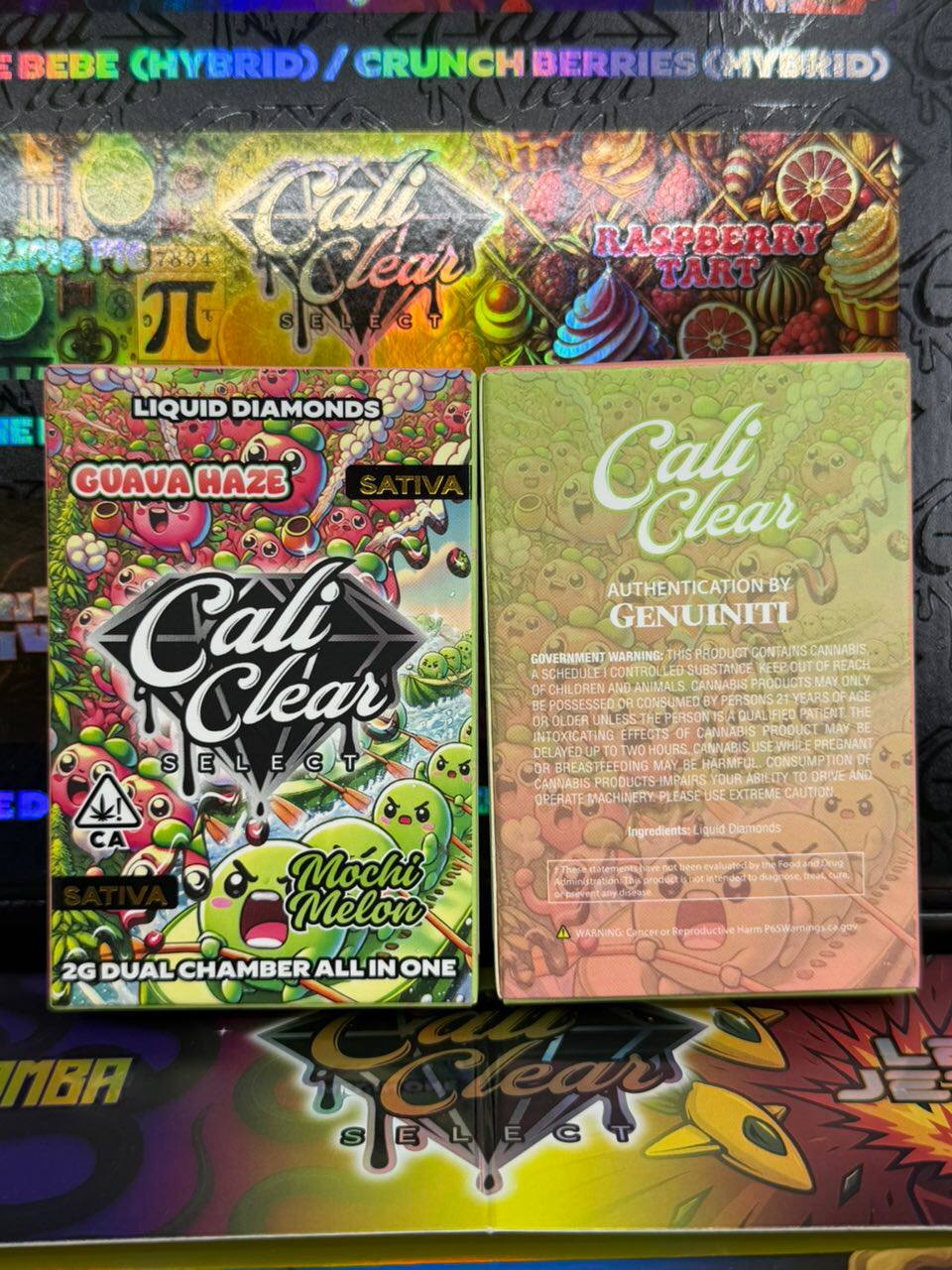
Dual chamber devices hold two separate 1G chambers with different strains, but charging works exactly as it does on a single flavor pen: USB C cable, 30 to 60 minutes, unplug at a solid light. You do not need to select a chamber before plugging in.
The one trap is the power state. Dual chamber devices turn on and off with 5 presses of the Select button. If you switched it off before charging, it will not fire afterward until you press 5 times again. Plenty of buyers think a charge failed when the device was simply off. Remember this rule and how to charge Cali Clear dual chamber pens stops being confusing.
This applies to the Dual Chamber 2G liquid diamonds combos ($27, on sale at $23) and the rest of the dual line. Once it is on, the other controls still apply: press and hold to switch strains, 2 presses for dual mode and 3 presses to preheat.

Charging the V6, V5 and Single Flavor 2G Pens
The 2G devices hold 2000 mg of oil, so a single device is used across many sessions and you will probably recharge it several times before the oil runs out. Knowing how to charge Cali Clear 2G pens well therefore matters more than with a small pen.
The Cali Clear V6 at $23 is the newest generation, pairing liquid diamonds with live resin and adding redesigned airflow and a leak resistant build. The previous generation, such as the Cloud Walker V5, an indica at $25, charges the same way. You can see the rest of the older generation in our V5 collection.
Across all of them, how to charge Cali Clear 2G hardware never changes: same port, same cable, same solid light.
Charging the 1G All in One and Live Resin Pods
The 1G devices are smaller, but the routine on how to charge Cali Clear pods is no different. They are USB rechargeable with a ceramic coil, and the same LED behavior tells you when they are done.
A compact pen like the Skywalker 1G all in one, a hybrid with tropical, citrus and spice notes at $25 regular and $19.50 on sale, is easy to carry, which also makes it easy to forget about until the battery is flat. Topping up when it first warns you keeps it ready.
Whichever pod you pick, how to charge Cali Clear 1G models matches the bigger pens step for step. Browse the full set of compact options in our 1G all in one range.
Battery Care That Actually Helps
The cell inside a Cali Clear is a small rechargeable battery, and the general rules for lithium ion batteries apply. A few habits make a real difference.
- Top up early. Recharge when the warning starts instead of running it until it dies.
- Unplug at solid. There is no reason to leave it on the cable for hours.
- Avoid temperature extremes. Do not charge it in a hot car, in direct sun or straight after it has been out in freezing weather.
- Keep it dry. Never charge a device that has been wet until it has dried naturally.
- Charge on a hard surface. Not on a pillow, sofa cushion or bed.
These habits are the part of how to charge Cali Clear devices that people skip, and they are what keep a battery healthy until the oil is finished.

Charging Myths Buyers Ask About
Some charging advice that floats around is outdated or simply wrong for disposables.
You must drain it fully before charging
Not true for modern rechargeable cells. Topping up early is fine and generally gentler.
Charging overnight gives a fuller battery
No. Once the LED is solid, it is full. Extra hours on the cable add nothing.
A faster charger charges faster
A small vape cell draws what it needs. A high output adapter does not make it finish meaningfully sooner.
A new device needs charging before first use
Cali Clear devices arrive pre charged, so you can use one immediately. Charge it when it asks.
Most confusion about how to charge Cali Clear pens traces back to one of these myths.
When the Charge Will Not Take
Even people who know how to charge Cali Clear devices well run into a stubborn one now and then. If you have followed the steps and the device still will not charge or fire, work through these checks.
- Clear the USB C port with a soft, dry brush; lint is a frequent culprit.
- Try a second cable you know works with another device.
- Try a different adapter or port.
- On dual chamber models, press Select 5 times in case it is switched off.
- Let a cold device warm to room temperature and retry.
Stop immediately if the device gets hot while charging, smells odd or looks swollen. If it charges but still produces no vapor, the cause is probably oil or airflow, and our list of fixes for a device that is not hitting takes over. For a new device that will not charge at all, reach us through the contact page.
How to Charge Cali Clear Stock Bought in Bulk
Buyers who order packs, such as the Party Pack 20 Flavors (from $170 for a 10 pack), often ask whether they need to charge everything on arrival. They do not. Each device ships pre charged, and charging them one at a time as you bring them into use is the sensible approach.
Rechargeable cells slowly lose charge while sitting, so a device that has been in a drawer for a while may need a short top up before its first session. The advice on how to charge Cali Clear stock is otherwise the same as for a single pen. Store stock upright, at room temperature and out of sunlight. Our bulk packs collection lists every pack size and price.
How Charging Fits the Life of a Device
A device usually needs a few charges before its oil runs out, depending on how long and how often you draw. Puff counts are commonly quoted at 300 to 500, and our puff count guide explains why that varies so much.
When the battery charges normally but flavor turns harsh and burnt, the oil is finished rather than the battery. At that point, recycle the device according to your local rules for products with lithium batteries instead of putting it in household trash.
That is the whole picture on how to charge Cali Clear pens: a USB C cable, half an hour to an hour, a solid light, and a few sensible habits.
How to charge cali clear FAQ
How do you charge a Cali Clear disposable?
The simplest answer on how to charge Cali Clear disposables: plug a USB C cable into the port on the device and connect it to a wall adapter or computer port. Leave it for 30 to 60 minutes until the LED stays solid instead of pulsing, then unplug it and it is ready to use.
How long does a Cali Clear take to charge?
Usually 30 to 60 minutes. A battery that has only just started warning you finishes sooner than one drained completely. A cold device can take longer, so let it reach room temperature before you plug it in.
How do I know when my Cali Clear is fully charged?
Anyone working out how to charge Cali Clear devices should watch the LED. It pulses or blinks while charging and stays solid when the battery is full. Once the light holds steady, unplug the cable. Leaving it connected longer does not add extra charge.
What charger does a Cali Clear use?
Knowing how to charge Cali Clear devices starts with the port. They use USB C, the same connector as most current phones and laptops. Any undamaged USB C cable with a standard wall adapter, a computer port or a charged power bank will work.
Can you charge a Cali Clear overnight?
It is better not to. The battery is full as soon as the LED turns solid, usually within an hour, and leaving it on the cable for hours brings no benefit. Charge it on a hard surface while you are around and unplug it when done.
Why is my Cali Clear not charging?
Most failed attempts at how to charge Cali Clear devices come down to lint in the USB C port, a damaged cable or a weak power source. Clean the port gently, try another cable and adapter, and on dual chamber devices press Select five times in case it is switched off.
Do I need to charge a new Cali Clear before using it?
No. Part of how to charge Cali Clear devices is knowing when not to: they arrive pre charged and pre filled, so you can use one straight away. Charge it when the light starts flashing during pulls, or give stored stock a short top up before its first session.
What is the best way to learn how to charge Cali Clear pens safely?
Use an undamaged USB C cable and a standard adapter, charge on a hard surface away from heat, unplug at a solid light, and stop if the device gets hot, smells odd or swells. Recharge early rather than running it flat.